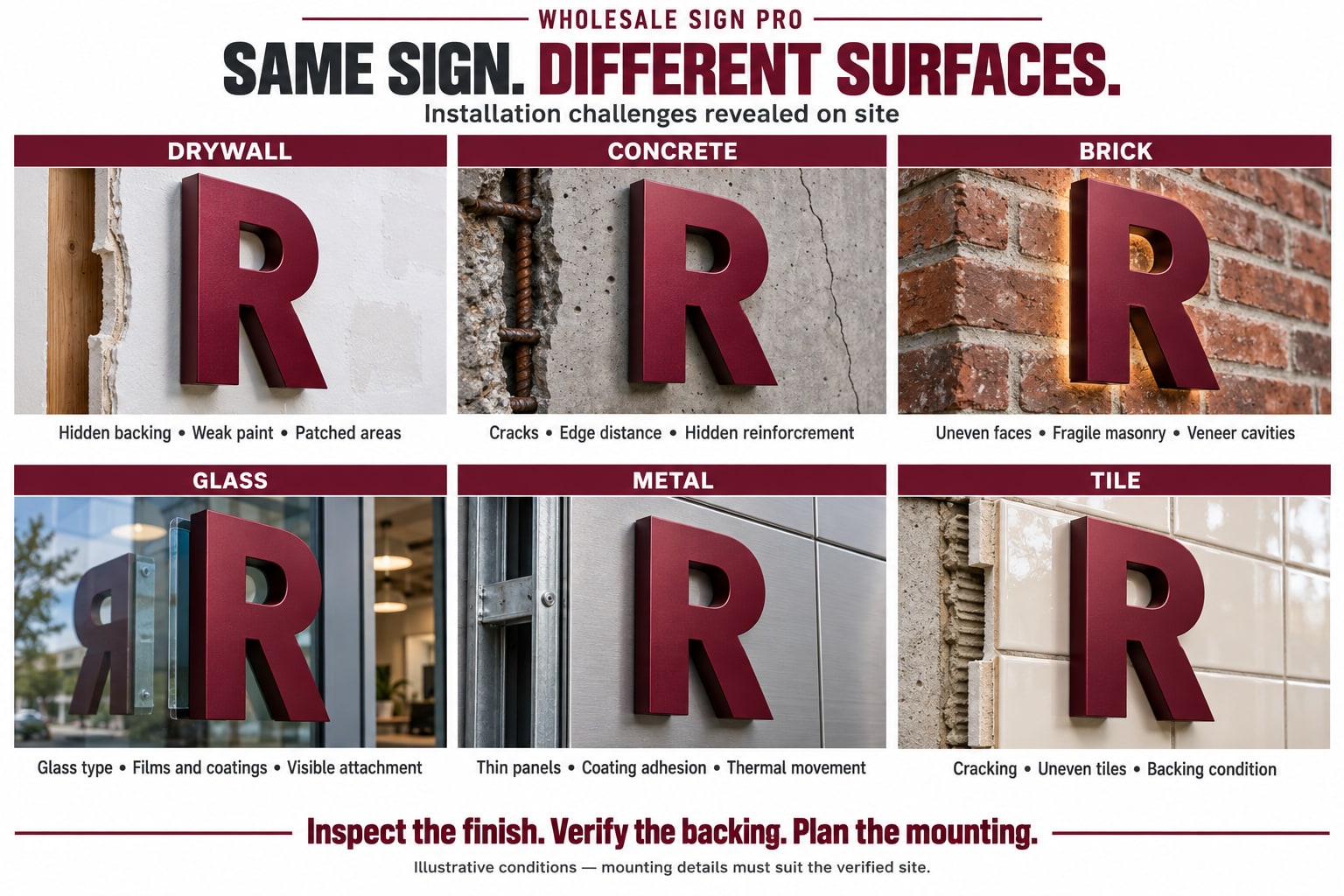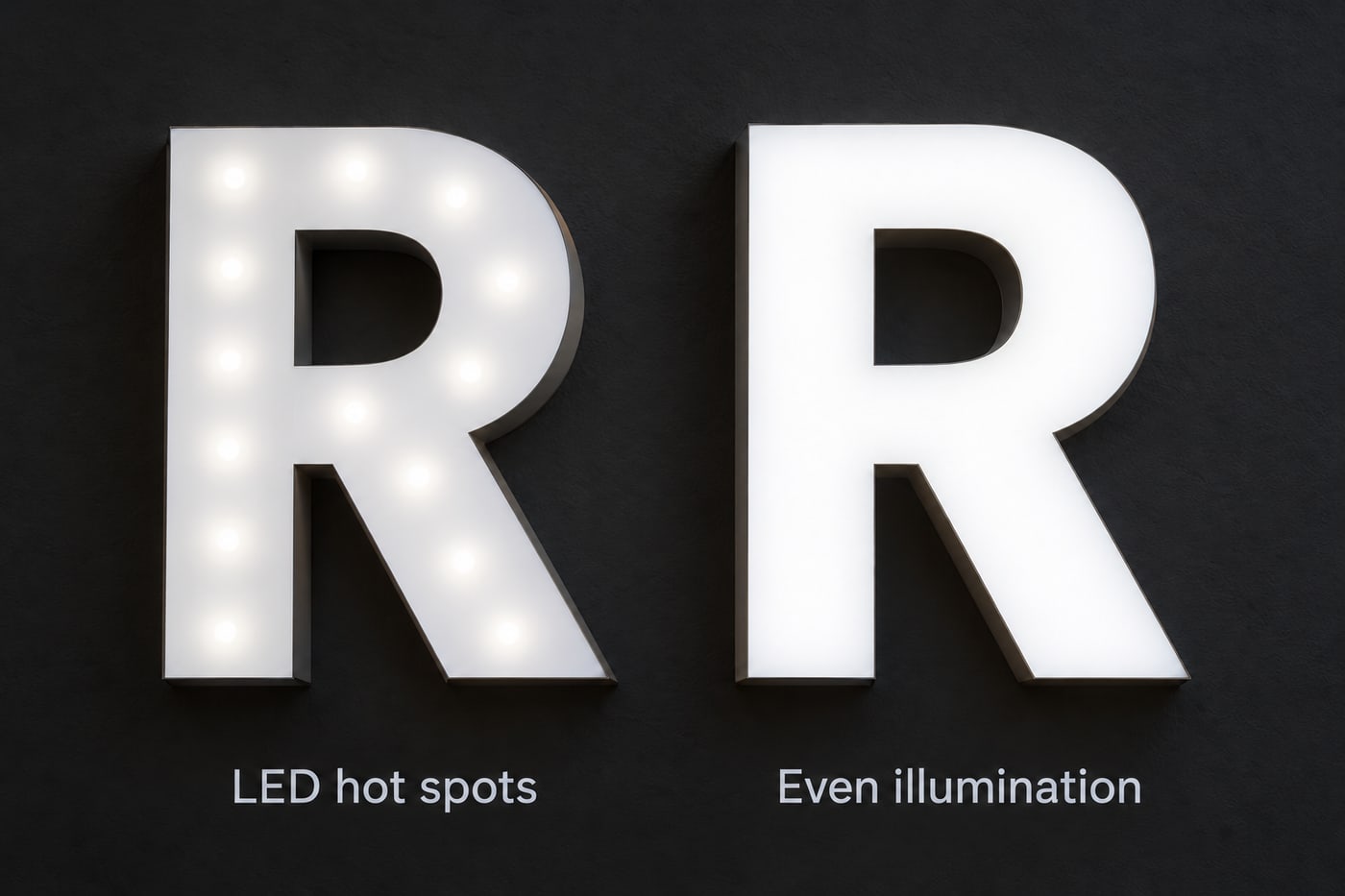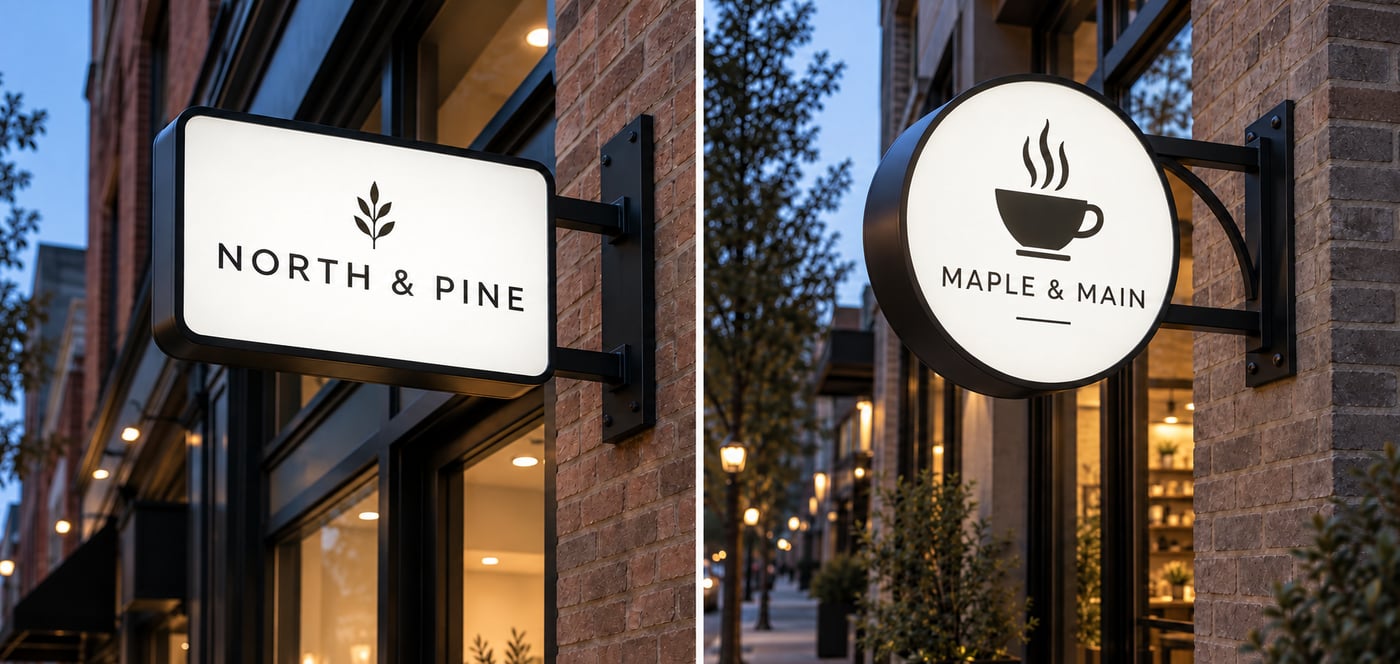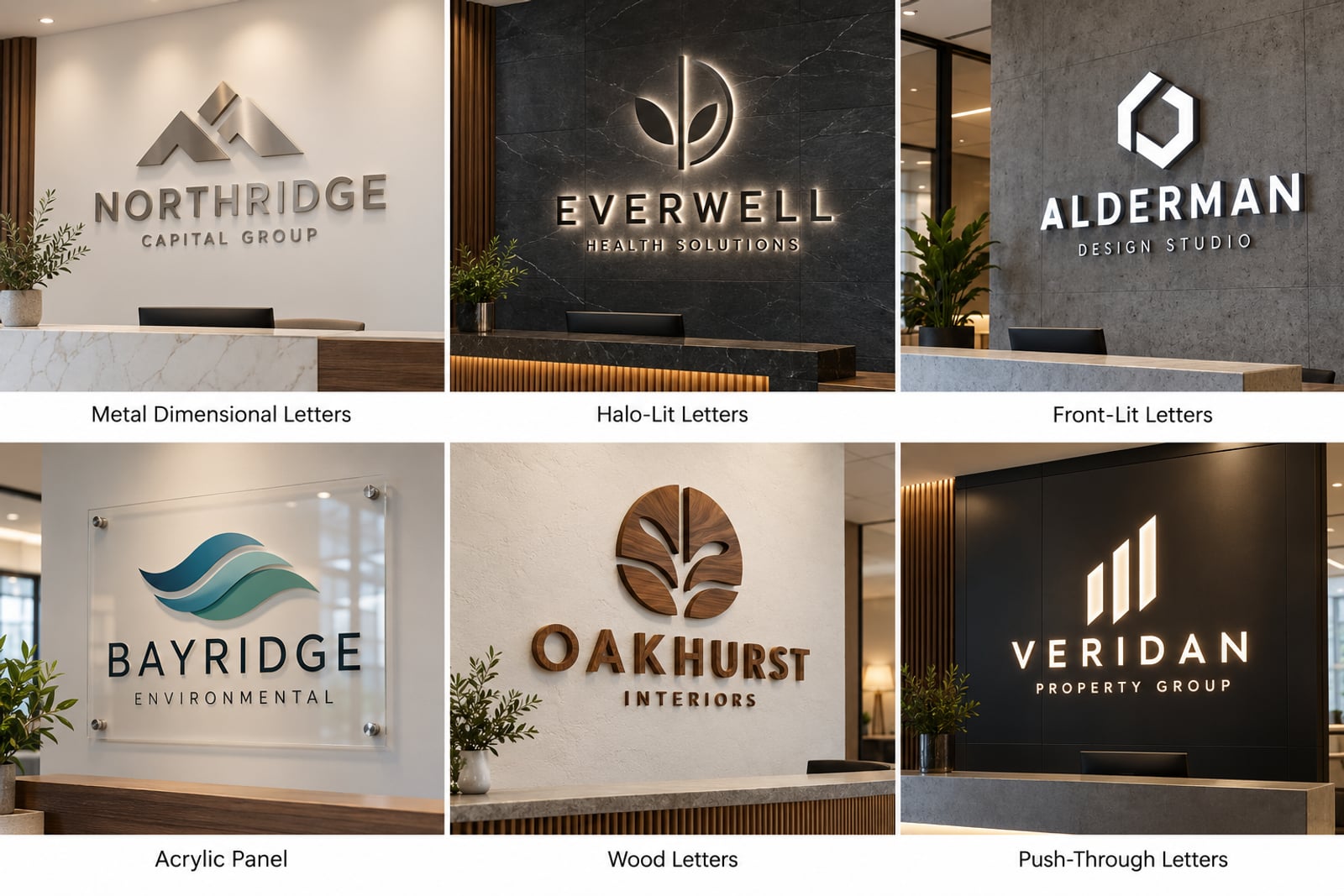

A familiar sign project often starts with a customer saying something like, “We want it to look upscale,” or “It needs to stand out at night.” They know the impression they want to make, but they may not know whether that means face-lit letters, halo lighting, stainless steel, a cabinet, or something else entirely.
That gap between an idea and a buildable sign is where AI can be useful. We use AI-assisted tools to help explore an early direction, sort through project information, and uncover questions that need answers before the job reaches production.
It is important to be clear about the limits. AI is not designing the final sign, approving the electrical work, checking the local code, or deciding how a letter should be built. Those responsibilities still belong to experienced people. AI simply gives our team and our trade customers another way to communicate and organize the work.
If you want prompt examples for your own sign shop, see AI for Sign Professionals. Here, we are looking at how the same tools can help Wholesale Sign Pro support a project behind the scenes.
Turning a Customer's Idea Into a Useful Visual Conversation
It is hard to picture a finished sign from a logo file and a written quotation. Even a good elevation drawing may not tell a customer how the sign will feel on the building after dark.
Give us a clear building photograph, the logo, and a useful project brief, and AI-assisted visualization can help us explore a few early directions. The sign company then has something concrete to discuss with the customer: Is the sign large enough? Does the lighting suit the building? Is the placement right? Does the finish feel too formal or not formal enough?
For example, the same logo could be considered as:
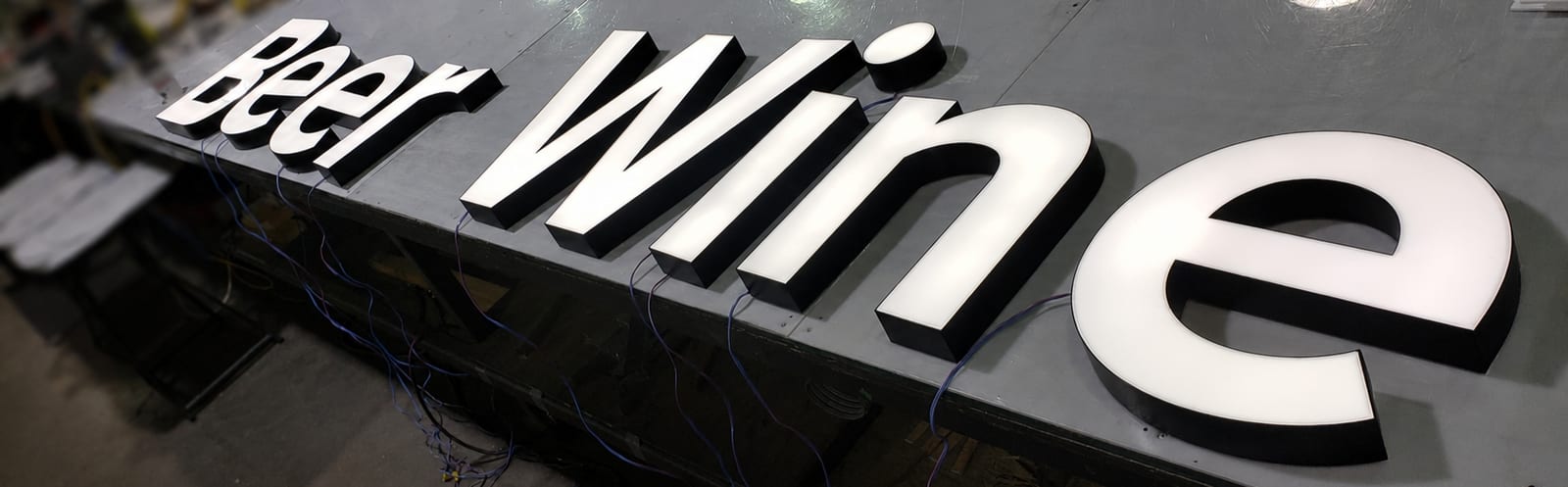
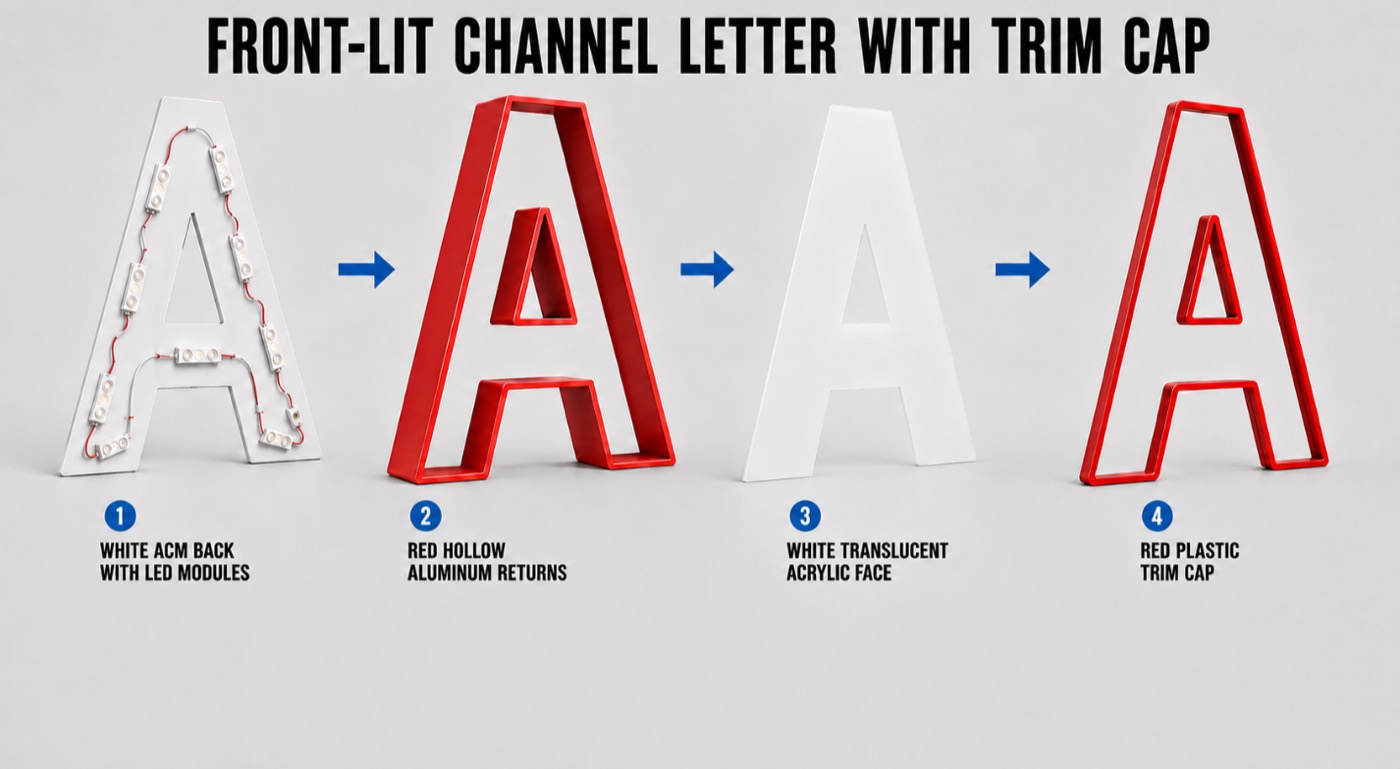
- Front-lit channel letters for bright face illumination
- Reverse or halo-lit letters for a softer architectural glow
- Front-and-back-lit letters for stronger visual depth
- Non-illuminated metal or acrylic letters for a clean daytime presentation
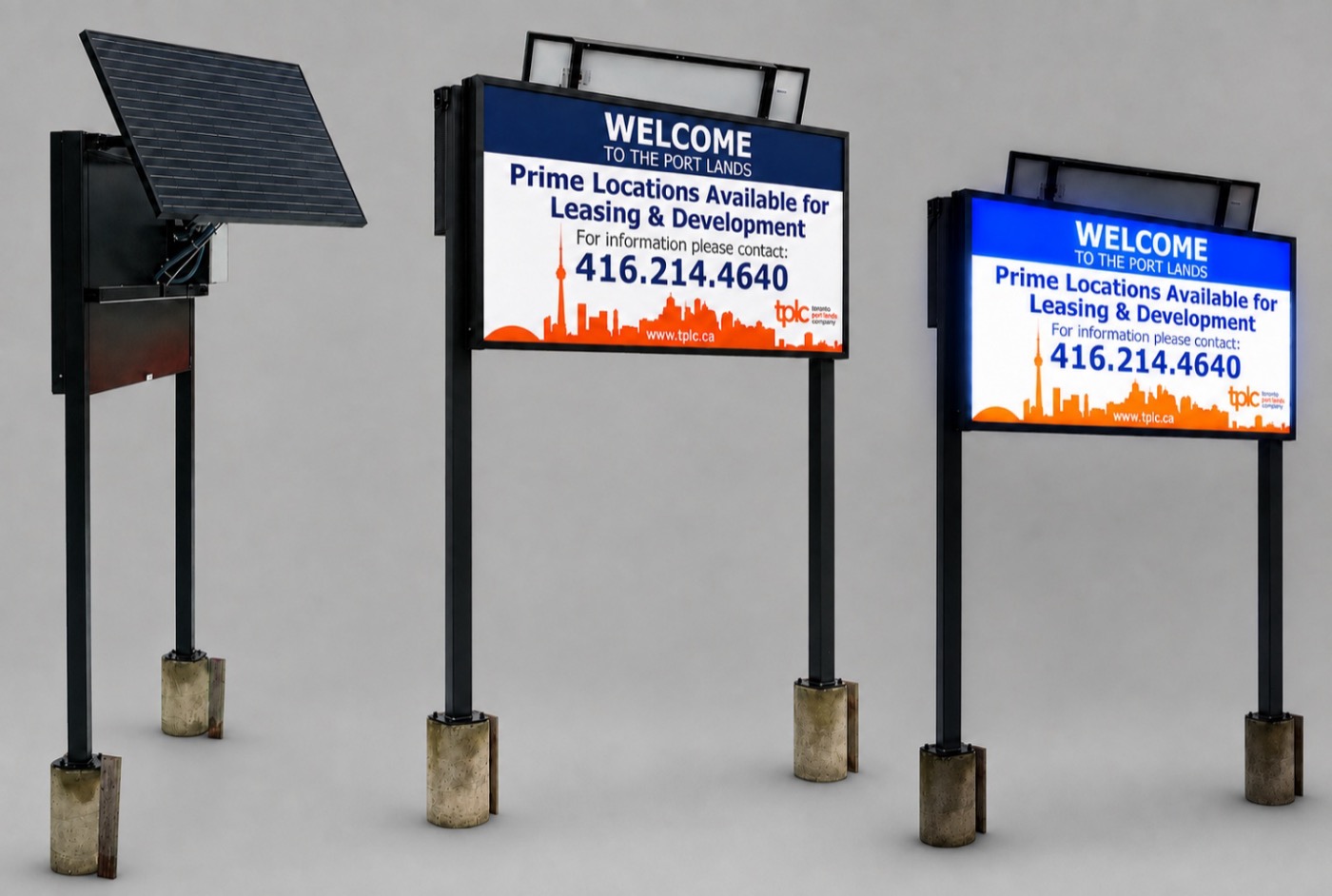
- A sign cabinet or light box when a larger illuminated graphic area is needed
Putting those options on the actual building usually leads to more useful feedback. “Make it pop” can become “We prefer the halo, but the letters need to be larger.” That is a much better place to begin the next round.
The concept image is still only a discussion tool. Final artwork, dimensions, colors, materials, electrical details, mounting provisions, and certification requirements go through the normal drawing and approval process.
Making Sign Options Easier to Explain
Sign people understand the difference between trim-cap and trimless letters, or between face-lit and halo-lit construction. Most customers do not, and that is perfectly reasonable. They care about what the sign will look like, how it fits the building, and what it will cost.
A visual makes that conversation easier. A restaurant owner can see the difference between a bright face-lit letter and a softer halo on the wall. An office client can compare painted aluminum with brushed stainless steel or illuminated lobby lettering without having to imagine everything from a material list.
The image does not tell us which construction is right. It gives the sign company a clearer way to explain the choices. Our manufacturing team can then review the idea against the actual letter size, stroke width, location, budget, illumination, and installation method.
Helping Sign Companies Present a Clearer Proposal
A good sales presentation should answer more than “Do you like this picture?” It should help the customer understand what is being proposed, why it suits the site, and what still needs to be confirmed.
AI-assisted visualization gives a sign company another way to present an early direction before anyone spends time preparing detailed production drawings. Alongside accurate product information, it can help explain:
- The intended daytime and nighttime appearance
- The difference between lighting methods
- How the sign relates to the building façade
- Why one material or construction may suit the location better than another
- Which decisions must be confirmed before an accurate quotation can be completed
Wholesale Sign Pro stays behind the scenes as a trade-only manufacturing partner. You present the project under your own brand and remain the customer's point of contact.
Connecting a Creative Concept to Something We Can Manufacture
An attractive rendering can hide a lot of practical problems. Before anybody bends a return, routes an acrylic face, or lays out LEDs, the idea has to become a real set of specifications.
We look at the letter construction, face and return materials, finish, illumination, depth, power supplies, wiring access, mounting, drainage, packaging, and the applicable UL or CSA certification requirements.
Imagine a concept with very narrow illuminated strokes. It may look convincing on screen, but there may not be enough room for the LEDs, wiring, face-retention system, or required depth. Catching that early means the sign company can adjust the typeface, scale, illumination, or construction before the customer becomes attached to something that cannot be built reliably.
AI can help show an idea. An experienced estimator, designer, and fabricator still decide how—or whether—it should be built.
Reducing Unclear Revisions
Some of the longest revision chains begin with a simple problem: the customer, sign company, and manufacturer are each picturing a slightly different sign.
A useful visual can help everyone settle on the general direction before detailed work begins. After that, the conversation can move to the information that determines price and production: dimensions, vector artwork, materials, colors, lighting, mounting, certification, quantity, delivery, and schedule.
It will not eliminate revisions from every job. It can reveal a misunderstanding while the project is still easy to change rather than after drawings have been approved.
Using AI to Organize Project Information
There is another side to the job that the customer rarely sees. Project information arrives through emails, attachments, phone notes, photographs, drawings, and comments from several people. A small but important detail can easily get buried in a long thread.
AI-assisted tools can help us turn that material into a consistent project brief. The summary might collect quantities, site details, artwork requirements, finishes, delivery dates, and unanswered questions in one place. A member of our team still checks it against the original files and resolves anything missing or contradictory.
The same approach can help with:
- Drafting milestone schedules for approvals, materials, fabrication, inspection, packaging, and shipping
- Identifying unresolved items that could hold up the next stage
- Preparing concise progress updates from verified project records
- Comparing a quotation, approved artwork, and job instructions for differences that require review
- Creating checklists for production handoff and final inspection
None of those drafts becomes a commitment on its own. People approve the final specifications, price, schedule, change orders, quality decisions, and shipping release.
Protecting Customer Information and Accountability
The convenience is useful, but it does not excuse careless handling of customer information. Project files should be used only in approved systems with appropriate access controls. Confidential information does not belong in an unapproved public tool.
Every AI-assisted summary or draft also needs to be checked against the original record. It can sound confident and still miss something. Project managers, designers, production staff, and installers remain accountable for the actual job.
What to Send With an AI-Generated Sign Idea
If your customer has made an AI image—or if you want help exploring an early direction—send it as a reference. Just include the real project information with it:
- Original logo and available vector artwork
- Clear photographs of the building and proposed sign location
- Field measurements and desired overall sign size
- Installation city, state, or province
- Preferred sign type, materials, finishes, and illumination
- Wall construction and proposed mounting method, when known
- Budget range and required delivery or installation date
- Brand standards, landlord criteria, or architectural requirements
The AI image shows us what caught the customer's attention. The measurements, artwork, site information, and specifications tell us what the job actually requires.
For a more complete submission guide, use our wholesale channel-letter ordering checklist.
AI Ideas Backed by Real Sign Manufacturing
Wholesale Sign Pro helps sign companies take a customer's idea and turn it into a clearly specified, professionally manufactured sign. AI is one more tool we can use to explore the direction, organize the details, and make the early conversation easier.
The real value still comes from the people doing the work: the sign company that understands its customer, the estimator who asks the right questions, the designer who prepares accurate drawings, and the fabricators who know how the materials behave in the shop and in the field.
If your customer has an idea, a building photograph, or an AI-generated sign concept, send it with the project details. We will help you sort out what comes next.
Frequently Asked Questions
Does AI create the final production design for a sign?
No. AI-assisted images can help explore an early visual direction, but final artwork, dimensions, construction, electrical requirements, mounting details, and approvals are completed and reviewed through the normal professional design and manufacturing process.
Can a sign company send Wholesale Sign Pro an AI-generated concept?
Yes. An AI-generated image can be useful as a visual reference. Send it with the original logo, vector artwork when available, site photographs, measurements, material and lighting preferences, installation location, and required delivery date.
Does AI replace the sign company's relationship with its customer?
No. Wholesale Sign Pro is a trade-only manufacturing partner. The sign company remains the customer's point of contact and controls the project relationship.