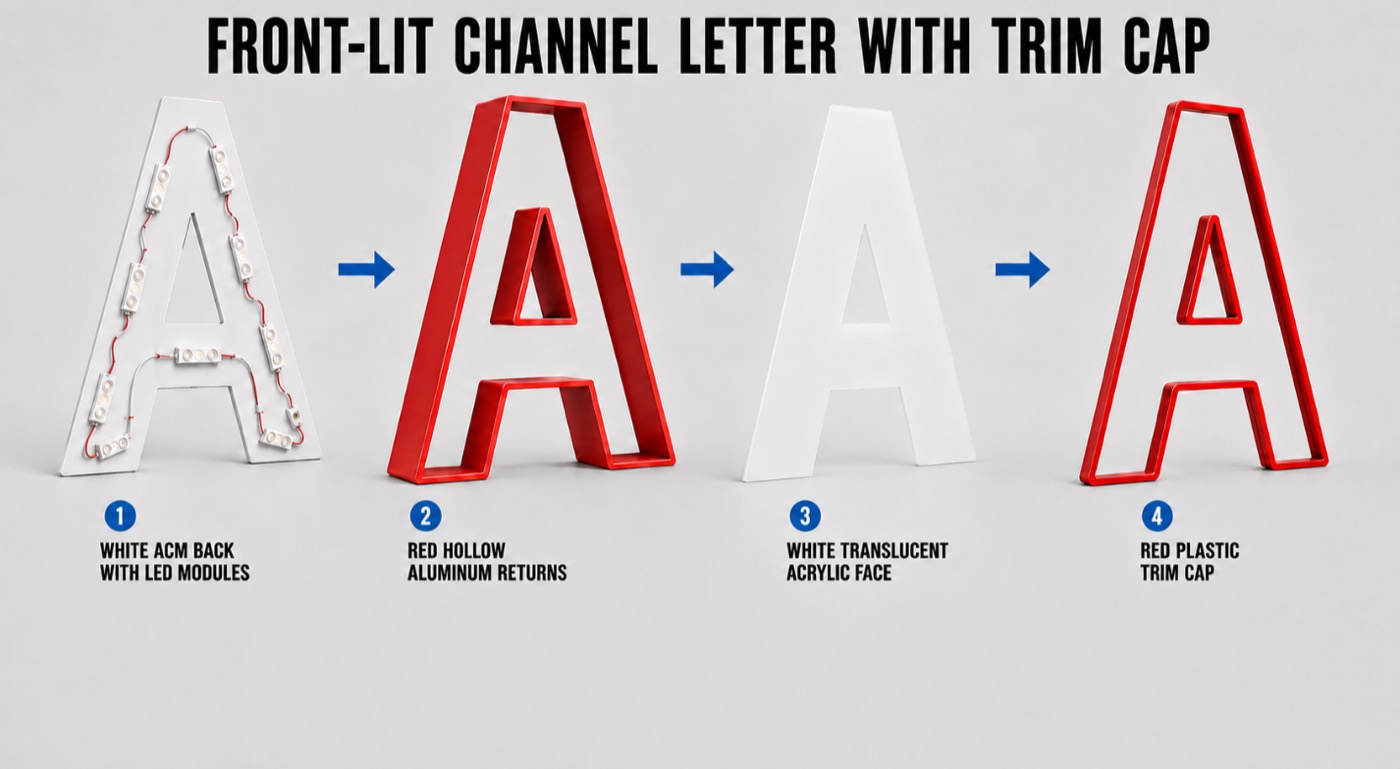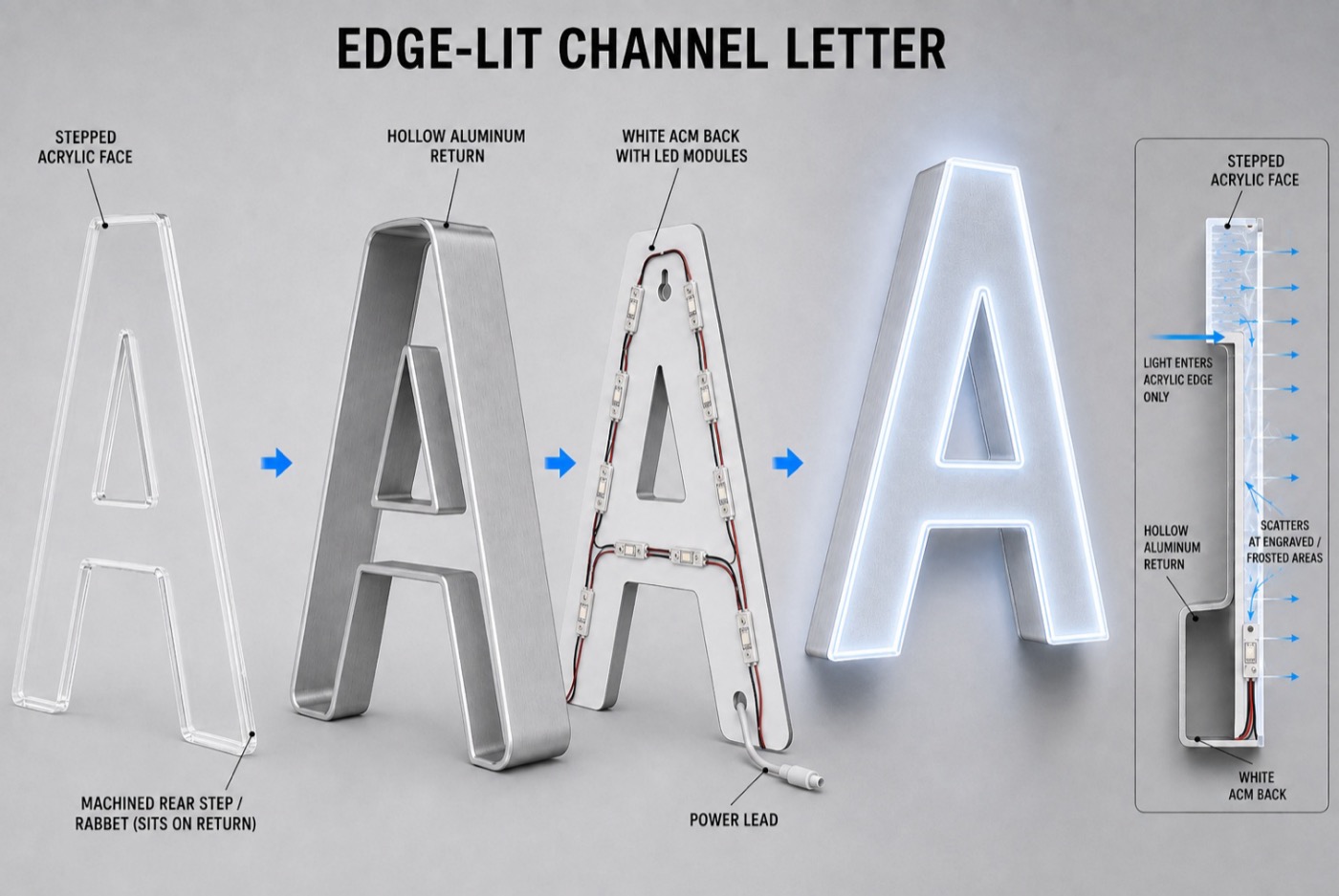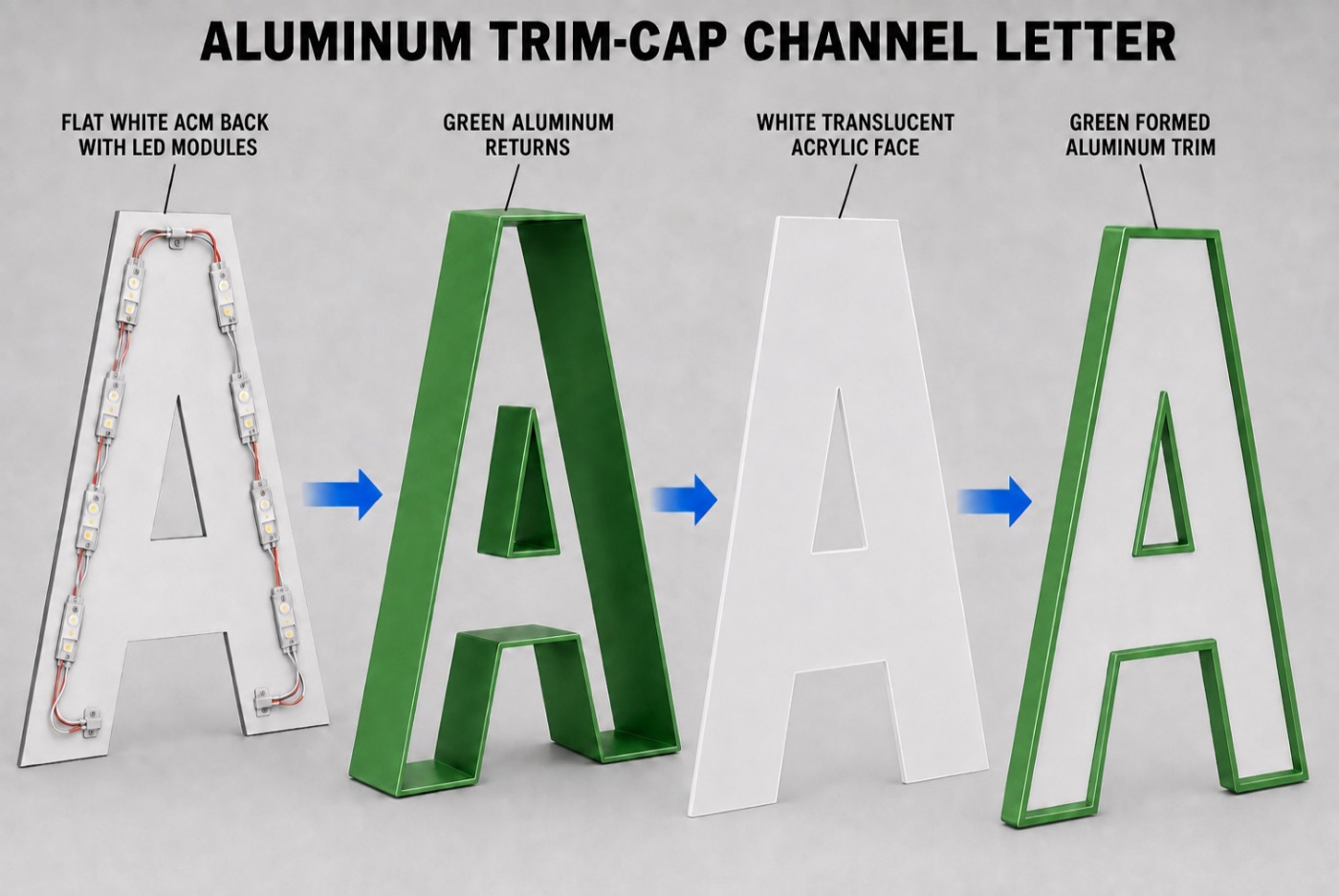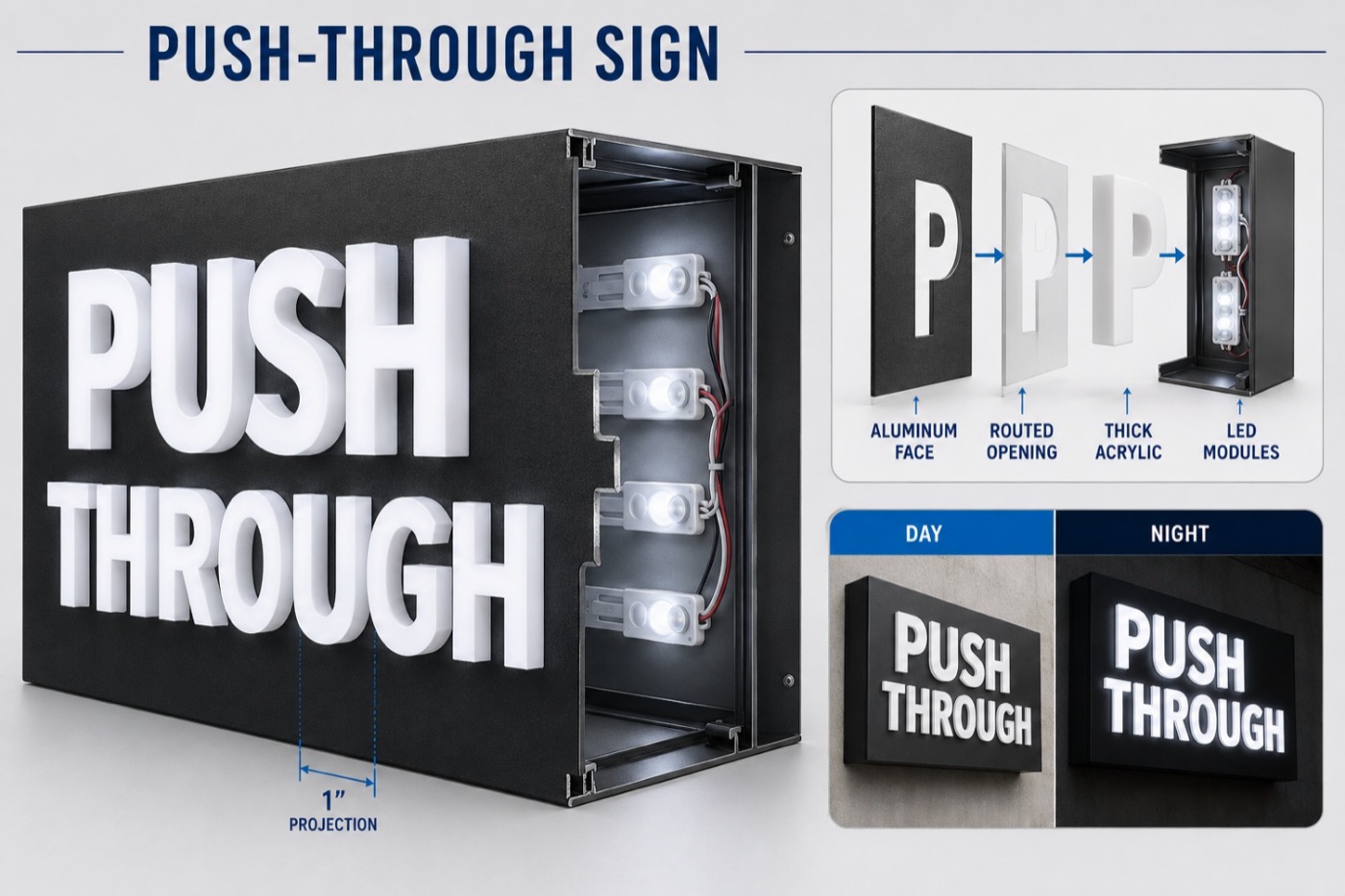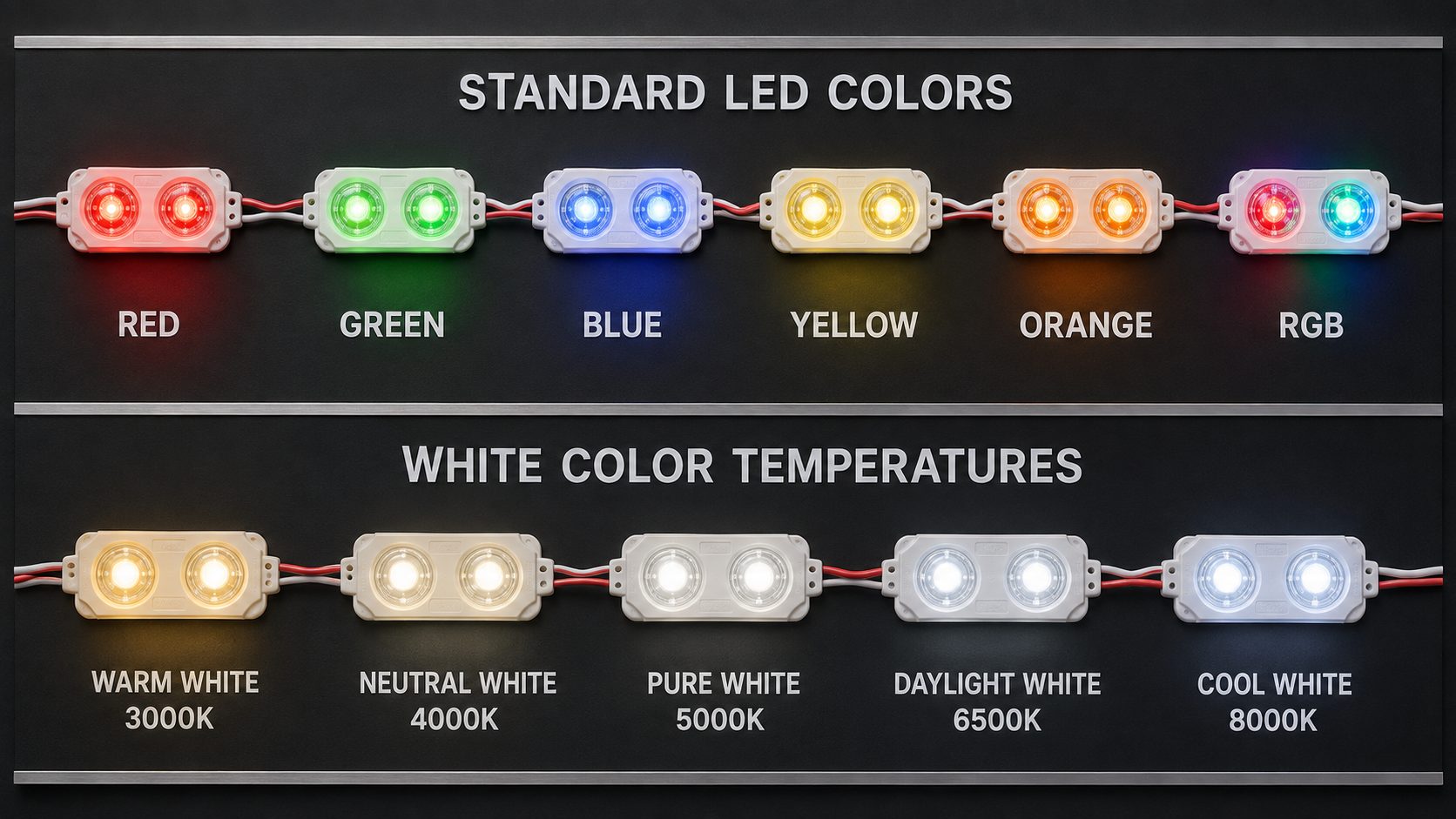

Few complaints get a sign company a callback faster than a channel letter that's supposed to glow evenly and instead shows a row of bright dots. The customer notices it from the sidewalk at night, and it usually isn't the module that's at fault. It's the way the face, the depth, and the layout are working together. The good news is that a hot spot is almost always fixable, and most fixes are cheaper when you make them before the letters are built.
First, Make Sure It Really Is a Hot Spot
Three different problems get lumped together under "the letters look uneven," and they have different fixes.
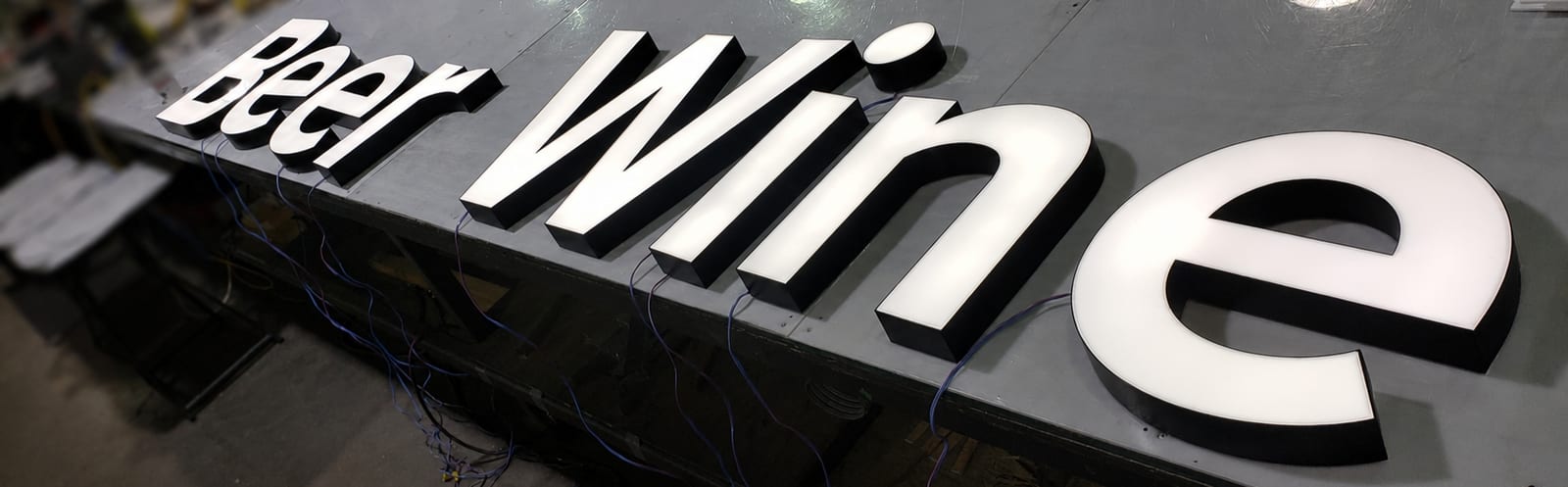
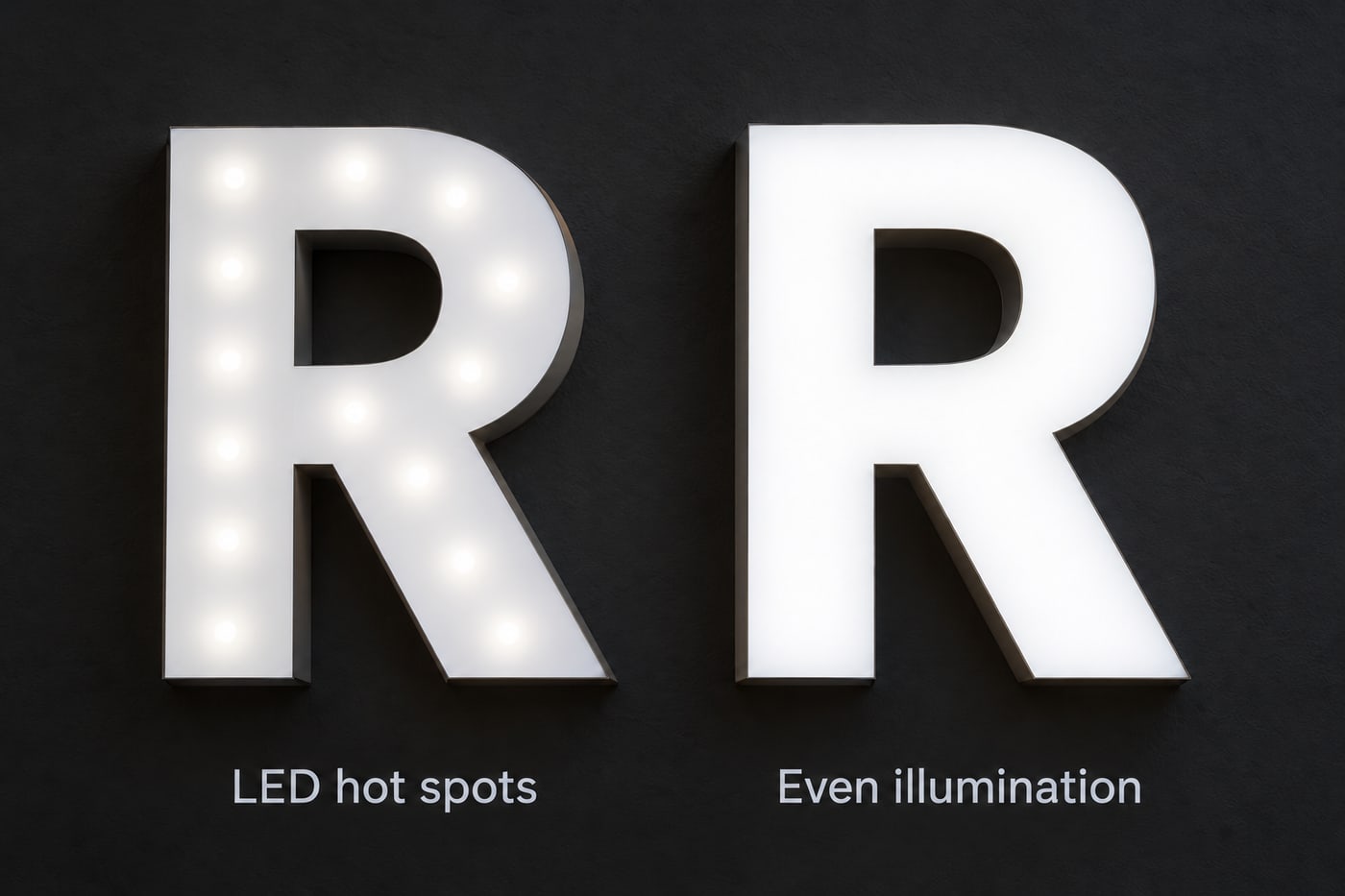
A hot spot is a bright point or patch on the face directly in front of an LED. You can see where each module sits. Dark spots or shadowed gaps between modules are a spacing problem, the opposite of the same issue. And brightness that fades from one end of a letter or run to the other is usually electrical, most often power-supply loading or voltage drop across long secondary wiring, not optics at all. Sorting out which one you have saves you from spending money fixing the wrong thing.
Why Hot Spots Happen
In our experience, it's rarely one cause. It's a few small ones stacking up.
The letter may simply be too shallow for the light the modules put out, so the face sits too close to the LEDs for the light to spread before it reaches it. The face itself may be too clear: a white acrylic chosen for maximum brightness will show the LEDs behind it more readily than one chosen for diffusion. The interior of the letter may absorb light instead of bouncing it back toward the face, so what should be soft, even illumination comes straight from each module. And the module layout may not match what the LED manufacturer specifies for that depth, which happens more than you'd expect on a design that was adjusted late.
The Fixes, From Cheapest to Most Involved
Start with the change that costs the least and work down. In most cases you won't need to go far.
Check the layout against the manufacturer's chart. Every module has recommended spacing for a given letter depth. If the layout was improvised, or carried over from a different depth, this is the fastest place to find the problem, and correcting it costs nothing but time.
Change the face. A more diffusing white hides the LEDs better, at the cost of some brightness. It's a real trade-off, not a free fix, so it's worth looking at actual samples rather than picking from a chart. Our acrylic vs. polycarbonate comparison walks through how the common white grades behave: the strongly diffusing ones hide hot spots well, and the brighter ones can reveal them unless the letter is deep enough or the modules are spaced closely.
Look at the inside of the letter. A bright, reflective interior sends light back toward the face and evens it out. A dull or dark interior does the opposite. It's an easy thing to overlook, because nobody sees it once the letter is closed.
Adjust the modules rather than adding more. A wider-angle module, or a corrected spacing, will usually do more than extra modules. Overloading a letter can create visible hot spots and unnecessary heat instead of better illumination, which is the opposite of what you were after. We cover the reasoning in our guide to choosing LEDs for channel letters.
Go deeper, if the design allows. More distance between the LEDs and the face gives the light room to spread, and it's the most reliable fix of all. It's also the one that changes the look and the cost of the letter, so it's usually a decision to raise with the client early, not something to discover at the end.
Test It Before You Approve It
The cheapest hot spot to fix is the one you find on a sample. Build a test letter or illumination box using the actual face material, returns, interior finish, and planned module spacing, then look at it lit, in a dark room and again in daylight. It takes very little time compared with remaking a full set.
We do the same check on production letters before they ship: a visual inspection, then a handheld light meter to confirm brightness is consistent across the set. For multi-location programs, keeping a documented "golden sample" with the approved spacing, face material, and readings makes it much easier to repeat the result at every site.
A Few Cases Worth Watching
Day-and-night faces and printed or vinyl-overlaid faces deserve extra attention. The film reduces the light coming through, which can expose hot spots that a plain white face would have hidden. Narrow strokes and tight curves are another common trouble spot, because there's only so much room to place modules without crowding them.
What to Tell Us When You Order
If you've had a hot spot complaint on a past job, or a client who's particular about uniformity, tell us at the start. The details that matter most are the face material and color, the letter depth, whether there's any vinyl or printed overlay on the face, and how the sign will be viewed. With those in hand, we can lay out the modules to the manufacturer's guidance for that depth instead of finding out the hard way.
We manufacture front-lit channel letters and other illuminated letter styles for sign companies across the United States and Canada, tested for LED uniformity before they ship. Request a quote when you're ready to talk through a specific job.
LED Hot Spot FAQ
What causes LED hot spots in channel letters?
Usually a combination of factors: a letter that's too shallow for the module's light spread, a face that's too transparent to hide the LEDs behind it, an interior finish that doesn't reflect light back toward the face, and a module layout that doesn't match the manufacturer's spacing guidance for that depth.
Will adding more LED modules fix a hot spot?
Rarely. Extra modules can make the problem worse and add heat without improving uniformity. Fixing the depth, the face material, the interior finish, or the module layout usually works better than adding more light sources.
Is a hot spot the same as uneven brightness across a letter?
No. A hot spot is a visible bright point where an LED sits behind the face. Uneven brightness from one end of a run to the other is usually an electrical issue, such as power-supply loading or voltage drop over long secondary wiring.
How can I catch a hot spot before the sign is installed?
Build and inspect a sample using the actual face material, returns, interior finish, and module spacing planned for production. View it lit in a darkened room and in daylight before approving the layout.